
Scan & review
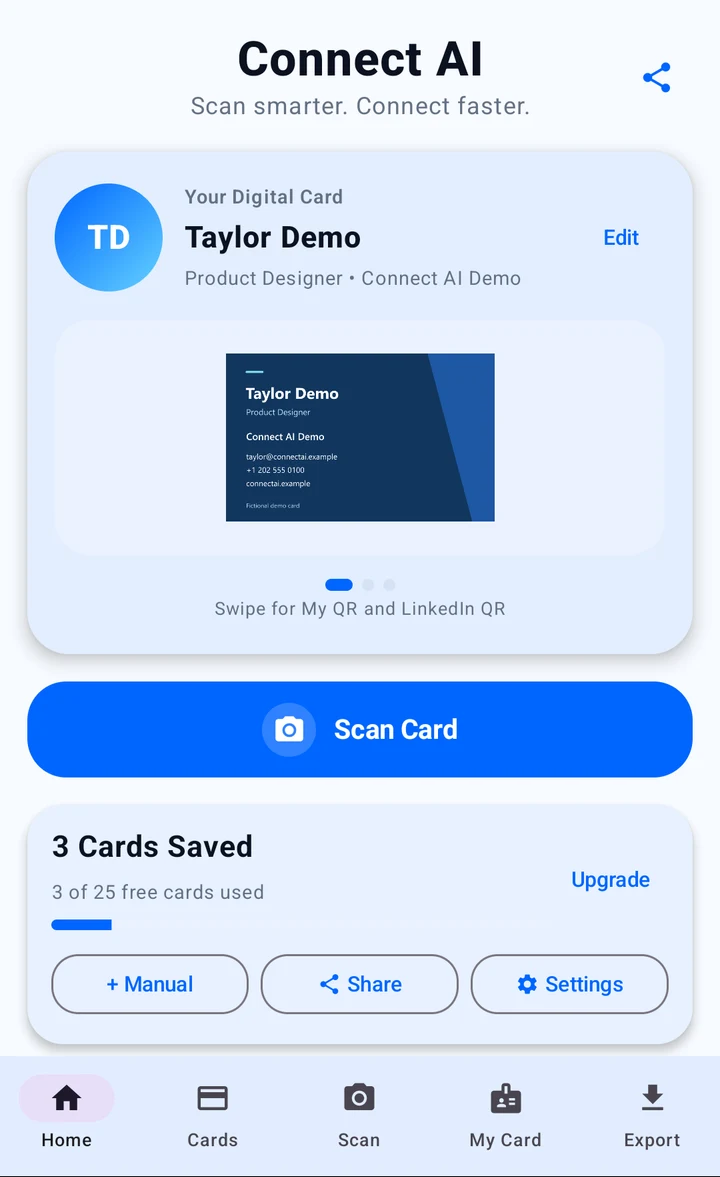
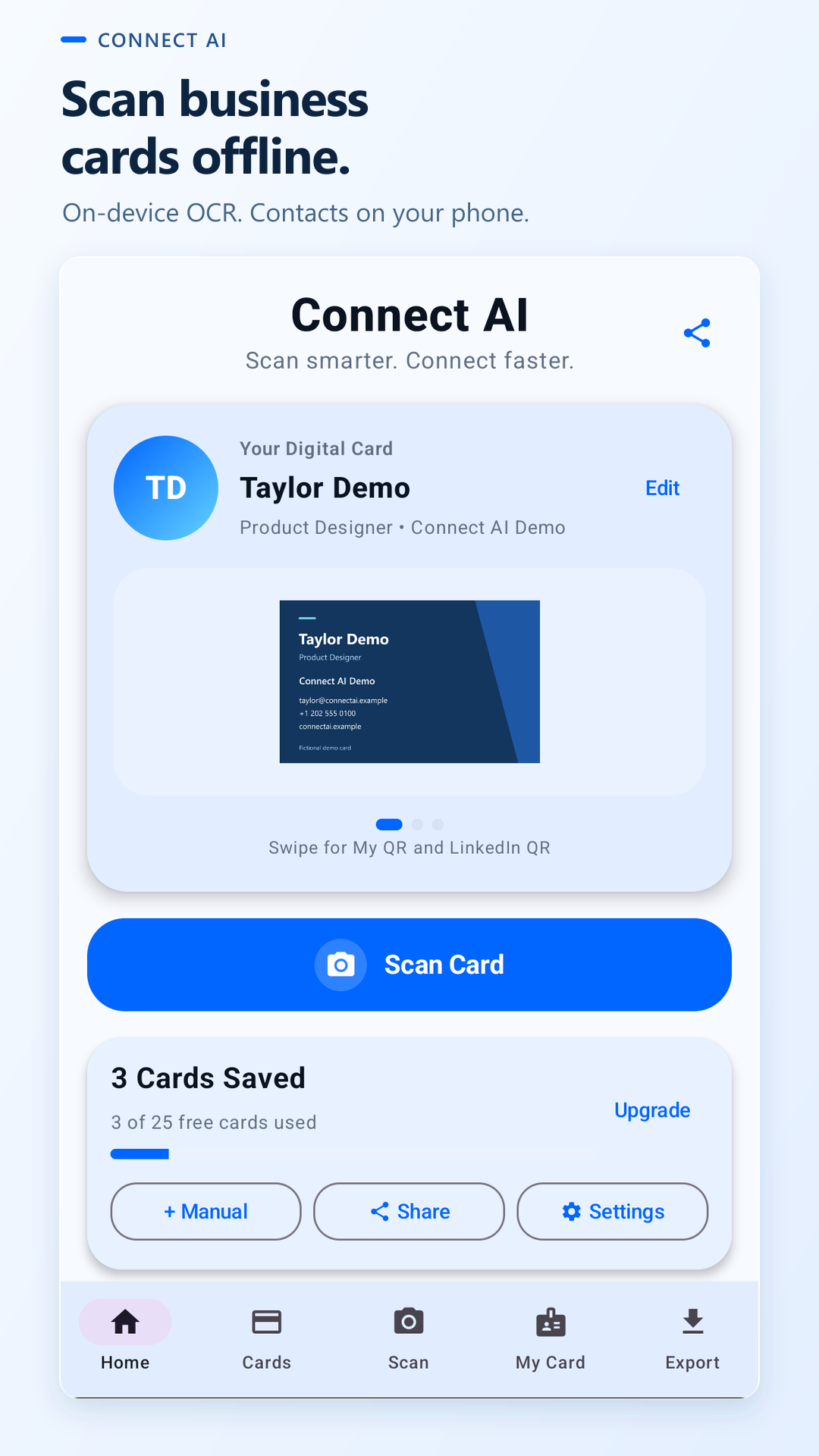
Tap Scan Card and capture a clear, well-lit image. Review the extracted name, company, email, and phone number, then correct anything that needs attention.
BUSINESS CARD SCANNER · ANDROID
Turn a business card into a contact you can find again. Scan offline, organize the details, and share your own digital card with a QR code.
Free download · 25 saved cards to start
Optional one-time lifetime Pro upgrade
A QUICK LOOK
Watch the short promo to see the app’s scan, save, and connection-focused workflow.
CONNECT AI APP PROMO
The video loads from YouTube only after you choose to play it.
FROM FIRST HELLO TO FOLLOW-UP
Made for the cards you collect at conferences, customer visits, exhibitions, and everyday meetings.
Tap Scan Card and capture a clear, well-lit image. Review the extracted name, company, email, and phone number, then correct anything that needs attention.
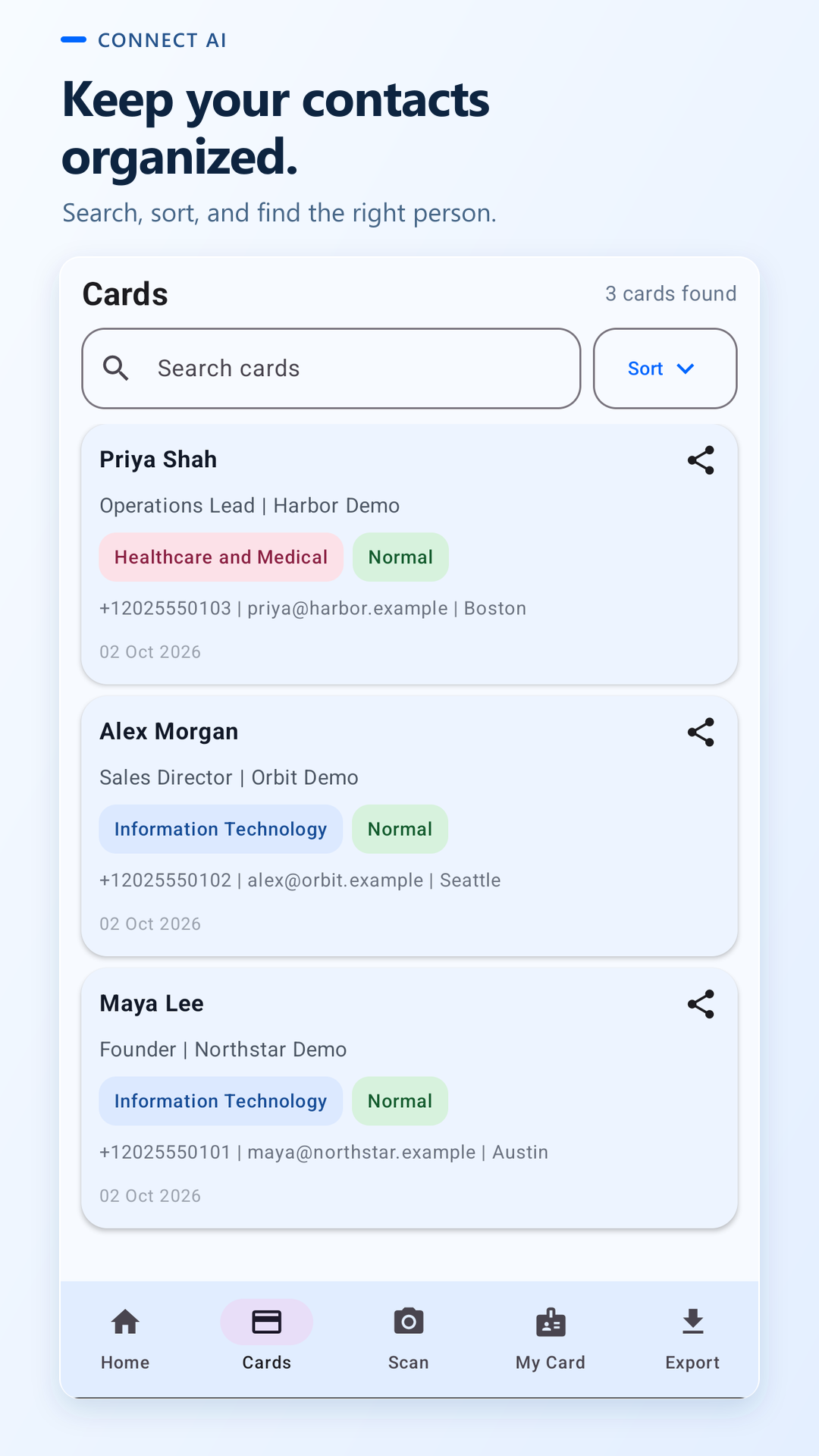
Keep the card in your local repository. Search your saved contacts, sort the list, and use industry and importance labels to make follow-up easier.
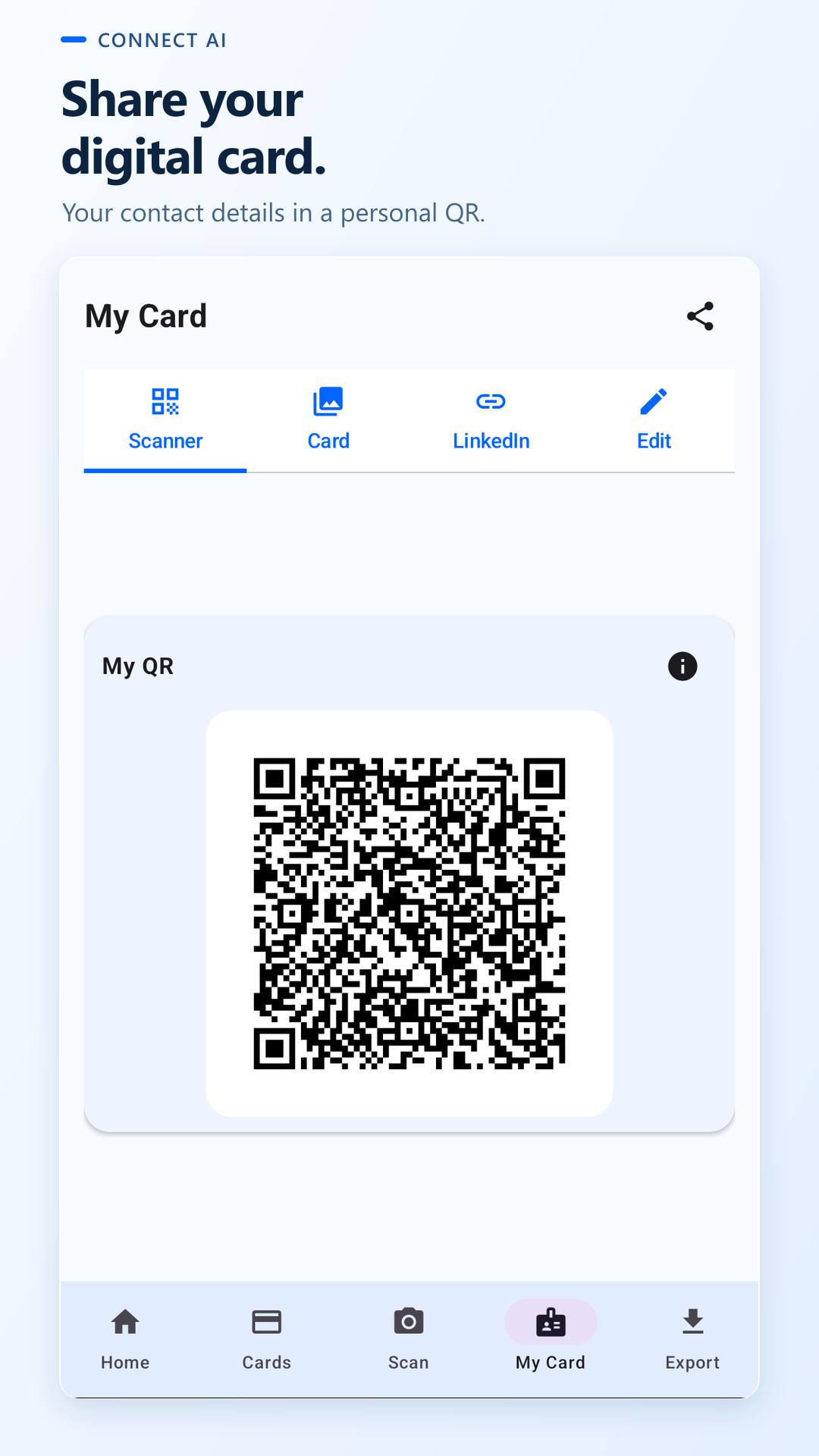
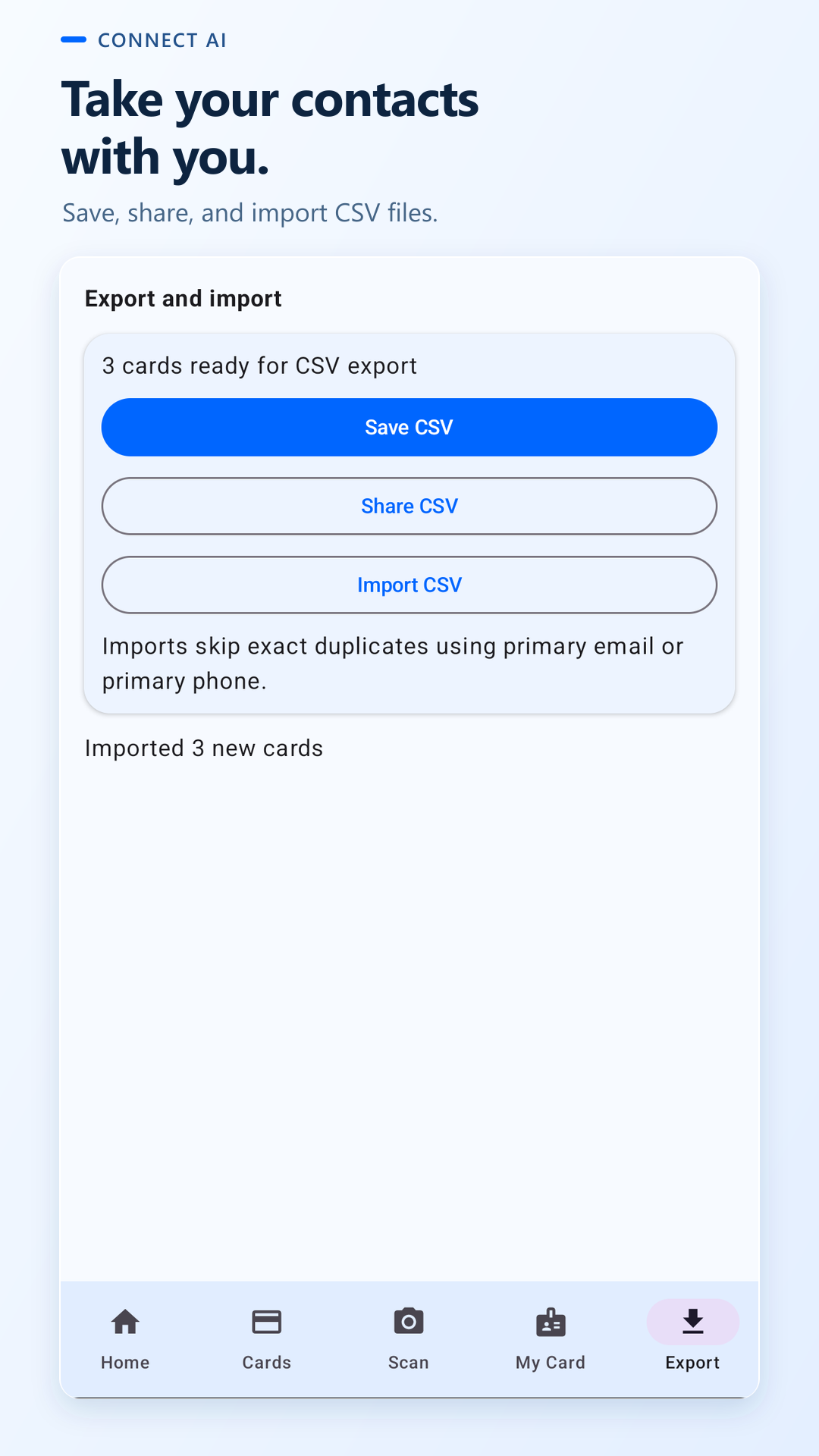
Add your own details in My Card and show your personal QR. When you need your saved contacts elsewhere, choose CSV export.
A CLOSER LOOK
Real simulator captures from Connect AI. All names and contact details shown are fictional.
OFFLINE FIRST. YOU IN CONTROL.
Core card scanning and management work on your phone. You decide when contact information leaves it.
Read the Connect AI privacy policySTART SMALL. KEEP GROWING.
The free plan includes up to 25 saved cards. An optional lifetime Pro upgrade unlocks unlimited offline saved cards with a one-time purchase, not a subscription.
View Connect AI on Google PlayGOOD TO KNOW
Core card scanning, review, storage, and contact organization are designed to work offline. Google Play downloads, purchases, and optional connected AI assistance require internet access.
Check the extracted fields before saving. You can edit the contact details yourself. A sharp photo with good lighting helps; OCR is not guaranteed to read every card perfectly.
Open My Card, choose Edit, fill in your details, and save. Use the Scanner tab to display My QR, or use the share control to send your card through an app you choose.
Yes. Open Export and choose Save CSV or Share CSV. You can also import a CSV with the expected columns; exact duplicates are skipped using the primary email or phone.
Connect AI is available for Android through Google Play, where supported. If Google Play is unavailable in your region, email info@yantrolok.com for access information.
MAKE THE NEXT INTRODUCTION COUNT